

Is Incognito Mode Really Private? Not Exactly
Incognito has long been considered the gold standard for private browsing, but it's important to understand its limitations.

Many assume Incognito mode makes online browsing completely private. The name itself carries a bit of the blame for that impression. In reality, websites, networks, and internet providers can still see parts of your activity. What’s really being avoided is saving records, such as history or cookies, on the local device.
This article explains in detail what Incognito mode is and how it actually works in practice. You’ll learn where the limits are, who can still see parts of your internet activity, plus which extra tools help raise privacy a level or two.
What Incognito Mode Actually Does
Incognito mode is a browser feature, such as in Google Chrome, that opens a private session where visited pages, cookies, form entries, and search queries are not saved on the device after you close the window.
Every session runs in its own isolated browser process and creates a short-term environment in memory. During that time, it loads websites, processes the code each page needs to work, and keeps small pieces of site data so logins and navigation continue functioning while you move around.
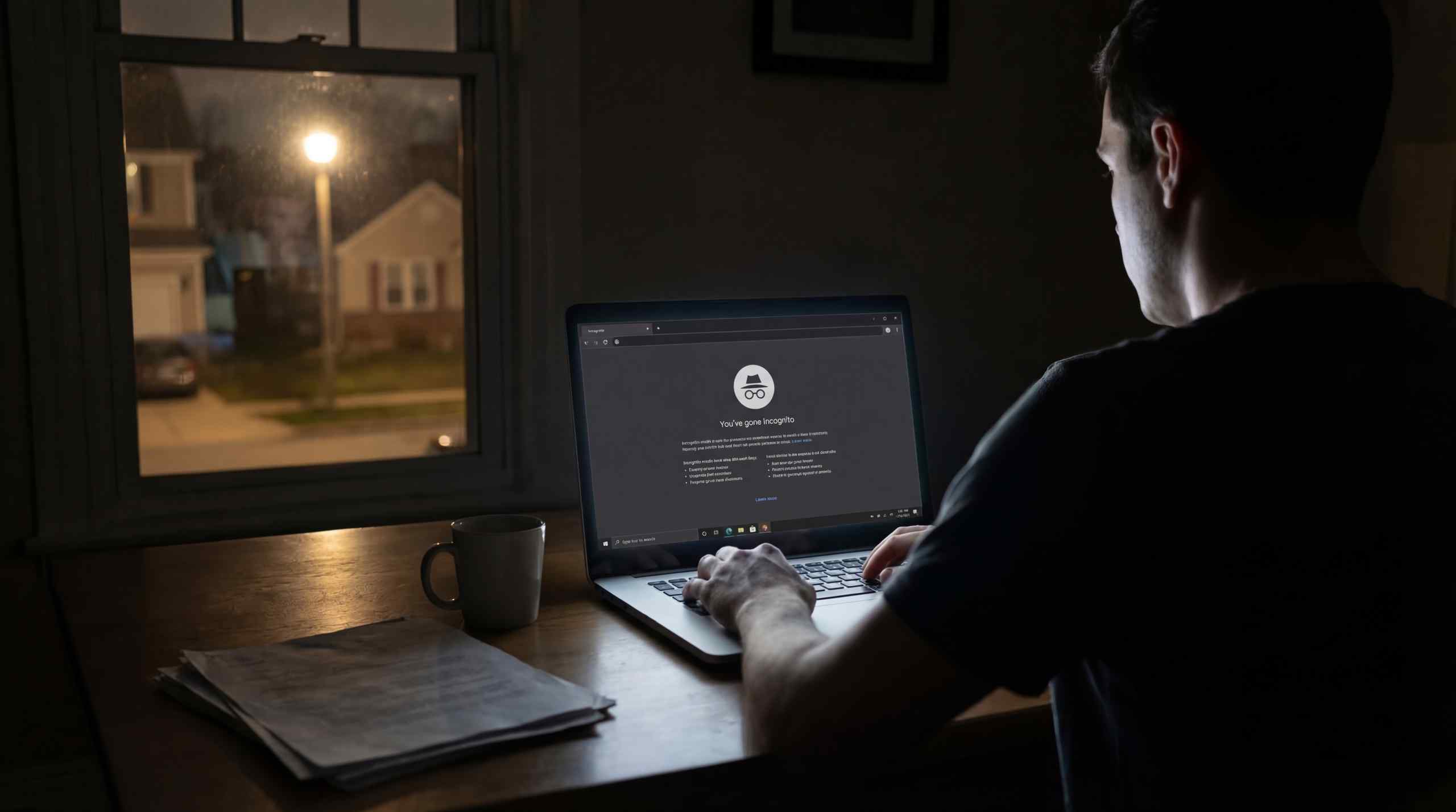
All tabs opened in an Incognito window share a single temporary space, so the site still recognizes you as signed in when switching between pages. Then, as soon as you close the window, the program shuts down the browsing environment and removes all records created during the visit from the device's local storage.
Incognito Mode at a Glance
| Feature | What Happens in Incognito Mode |
|---|---|
| Browsing history | Not saved locally |
| Cookies | Deleted after the window closes |
| Site data | Cleared when the session ends |
| Form entries | Not stored locally |
| Search queries | Not saved on device |
| Downloads | Files remain on device storage |
| Extensions | Disabled unless manually enabled |
| Local cache | Cleared after the window closes |
Who Can Still See Your Browsing Activity
Even though the big selling point of Incognito Mode is privacy, several parties and systems can still observe parts of your activity, such as:
- Your internet service provider (ISP): Network operators can view domains contacted because traffic travels through their infrastructure before reaching external websites.
- Websites themselves: Each site receives your IP address along with browser and device details, which allows services to recognize returning visitors.
- Accounts you sign into: Logging into platforms such as Google or Facebook links activity to that profile for the duration of the session.
- Employers or school networks: Workplace routers, firewalls, and monitoring tools can record domains accessed across the connection.
- Malware or phishing pages: Private browsing does not add any extra security. If a dangerous website loads and delivers harmful material, the risk remains exactly the same.
Incognito Mode also does not remove certain traces created during a session, including:
- Downloaded files: Documents saved during the session remain stored on the computer even after closing the private window.
- Your physical location: Online services can approximate your location using the public IP address assigned to your internet connection.
In addition, Incognito mode does not change how the internet itself operates. Data requests travel through networks and reach websites in the same way, thus activity outside your device can remain visible to external systems. The table below paints a clearer picture of who can see what.
Incognito Visability
| Who / System | What They Can See |
|---|---|
| Internet provider | Websites you connect to, time, data size |
| Wi-Fi network owner | Domains visited, device address, traffic timing |
| Employer or school network | Websites accessed and connection timestamps |
| Websites you open | IP address, device type, browser details |
| Websites where you log in | Your account activity during the session |
| Analytics tools on websites | Pages viewed and interaction events |
| Advertising trackers | Page visits and basic device information |
| DNS services | Website names your device requested |
| Browser extensions allowed in Incognito | Pages opened and page content |
| Your computer itself | Downloaded files stored on the device |
| Location estimation systems | Approximate location from IP address |
Other Ways to Keep Your Searches Private

Several other methods exist to help keep searches private, many of which can be used alongside Incognito browsing to protect both activity stored on your device and identifying information visible to websites or networks.
VPN services
A VPN, short for Virtual Private Network, creates an encrypted tunnel between your device and a remote server. Paired with Incognito mode, browsing leaves no local record while internet traffic routes through the VPN, causing websites and networks to see its IP address rather than the one assigned to your connection.
Privacy Browsers
Privacy browsers route web traffic through multiple encrypted relays before reaching a website, hiding the original IP address and reducing tracking. Because each relay only knows the previous hop, linking activity back to the device becomes harder. Scroll further down to compare the most popular options and their features.
Encrypted DNS
You can set up encrypted DNS by going to Settings → Privacy and security → Security, turning on “Use secure DNS,” and selecting a provider. This means that when you type a website name (like example.com), the behind-the-scenes step of turning that name into a number address is hidden from people on your Wi‑Fi and your internet provider.
Private search engines
Private search engines work like Yahoo and Google, but they skip saving your identity or past queries, so nobody builds a profile to target ads at you. The most popular ones are DuckDuckGo, Startpage, and Brave Search, and all of them load right in incognito browsers.
Fingerprint Defenders
Recent research from Texas A&M University found that many popular websites rely on browser fingerprinting. This happens when a page checks small device traits such as screen size or installed fonts and combines them into a unique identifier that can follow your activity across multiple sessions. Tools like CanvasBlocker or Privacy Badger attempt to reduce this by blocking tracking scripts and injecting random noise into fingerprint signals.
Privacy-Focused Browsers
Picking up from the privacy-focused browsers mentioned above, we put together a quick comparison of five popular options, showing their main features along with what each one does best and where it can fall short.
Privacy Solutions
| Browser | Features | Best Use | Not Good For |
|---|---|---|---|
| Brave | Ad/tracker blocking, fingerprint resistance, Tor tabs, HTTPS upgrades | Everyday fast browsing | Crypto ad rewards clutter |
| Tor | Onion routing, NoScript controls, extreme anti-fingerprinting, bridge support | High anonymity | Speed on video/streams |
| Mullvad | Anti-fingerprinting, uBlock pre-installed, no telemetry, designed for VPN pairing | Daily private surfing | Beginners (advanced setup) |
| LibreWolf | Hardened Firefox fork, no telemetry, resistFingerprinting, uBlock Origin | Max privacy purists | Site compatibility tweaks |
| Firefox | Enhanced Tracking Protection, container tabs, DNS-over-HTTPS, vast extensions | Custom privacy setups | Default telemetry enabled |
When Incognito Mode Is Actually Useful
Incognito mode keeps browsing history, cookies, and site data off your device entirely. Apart from downloads, nothing at all remains once the window closes. In other words, the session stays separate from your own browser profile. The following are a few situations where this proves useful:
- Using a shared computer: Someone who opens the browser later cannot view the pages you visited.
- Logging into multiple accounts: A normal window and an incognito window hold separate cookies. You can stay logged into two different accounts on the same site.
- Testing websites: Developers use it to check how a site behaves without cached files or existing cookies.
- Bypassing paywall trials: Old session cookies do not block repeated free article views.
- Accessing a personal account on another person's device: After closing the private window, login sessions are lost, and account data is not stored on that laptop or mobile device.
Incognito mode helps keep browsing off the device you are using, which protects local privacy, though it does not hide what you do across the wider internet or make you fully anonymous online.
Charlon Muscat is an established iGaming expert who entered the space in 2019 and went on to build a name across both casino and sportsbook content.
More Articles like this
Apple's $3,199 iPhone Duo Is Even Pricier Than You Think
Apple's new $3,199 iPhone Duo is the priciest iPhone ever. But even after adjusting nearly two decades of Apple pricing for inflation, the size of the gap is surprising.
.webp)
By Cole Rush
Gambling Technology Trends: 5 Technologies That Changed the Industry
From RNGs and live dealer streaming to geolocation and AI, these gambling technology trends transformed the industry—and could help shape what comes next.

By Charlon Muscat
10 iPhone Battery Tips That Bust Common Battery Myths
Your iPhone can chew through battery even when nothing seems to be happening. Plenty of old-school tips barely help, while others kill the features you paid for in the first place.
By Charlon Muscat
Could GTA VI Bring Back Casinos? Here’s What We Know So Far
GTA VI has lottery signs and gambling references, but Rockstar hasn’t confirmed a casino. Here’s what the clues and GTA’s history tell us so far.

By Charlon Muscat
How Streamers and YouTubers Rewired Gambling Culture
Forget billboards. The gambling industry's most effective marketers are streamers who build parasocial relationships and promote affiliate codes. Here's how they work, why they work, and what it means for you.

By Cole Rush
Investing or Gambling? It's Harder to Tell Than Ever Before
Meme stocks, penny shares, and leveraged ETFs may all promise traders big paydays, but from the outside looking in, it’s still just gambling, isn’t it?

By Stuart Hughes